
Ever wondered how engineers and architects draw complex 3D objects...
 Applied Technology8 görüntüleme·Güncellendi Jun 12, 2026·10 sayfa
Master Orthographic Projections: Learn 2D Views of 3D Objects
1 / 10
1
of 10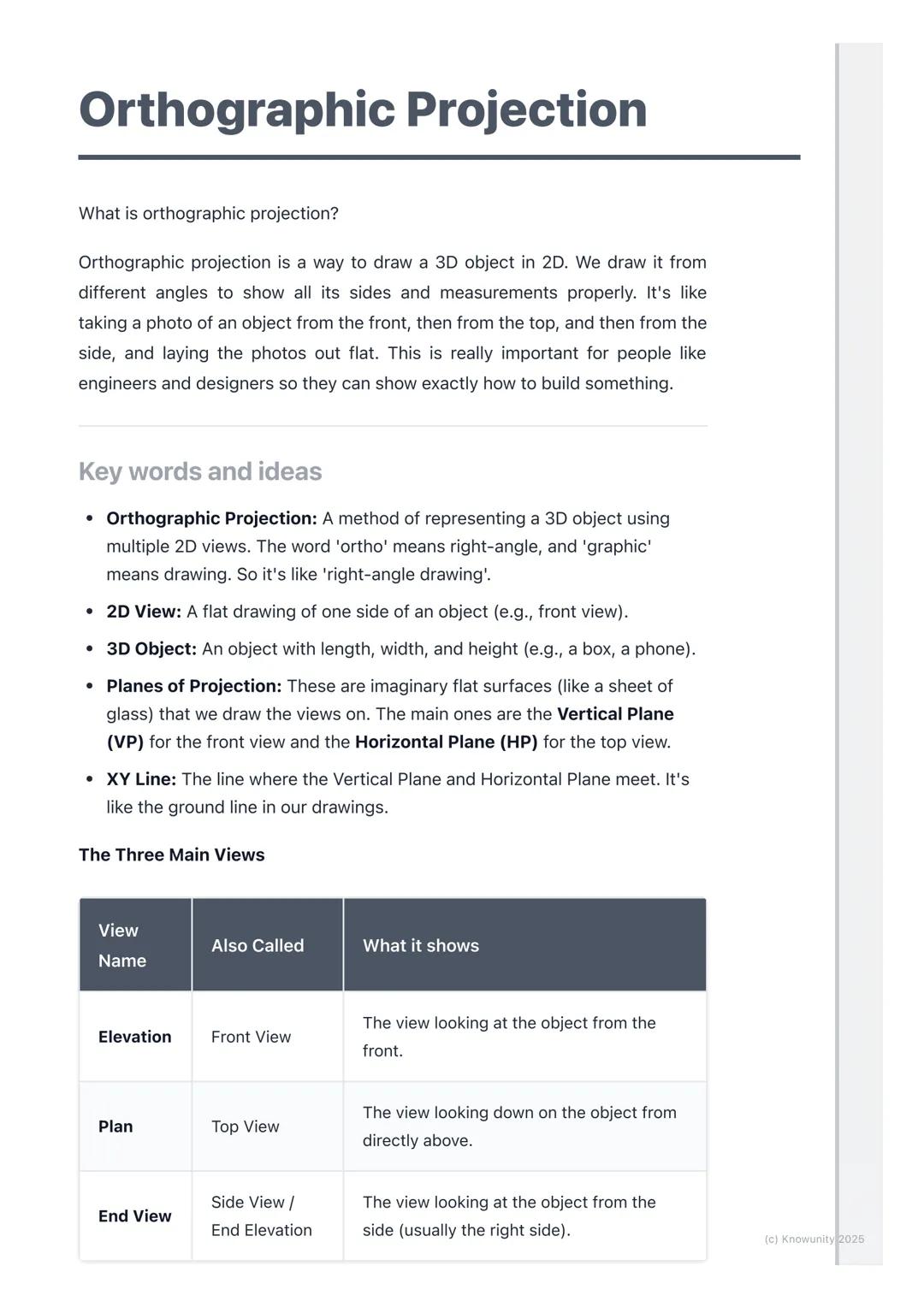
What is Orthographic Projection?
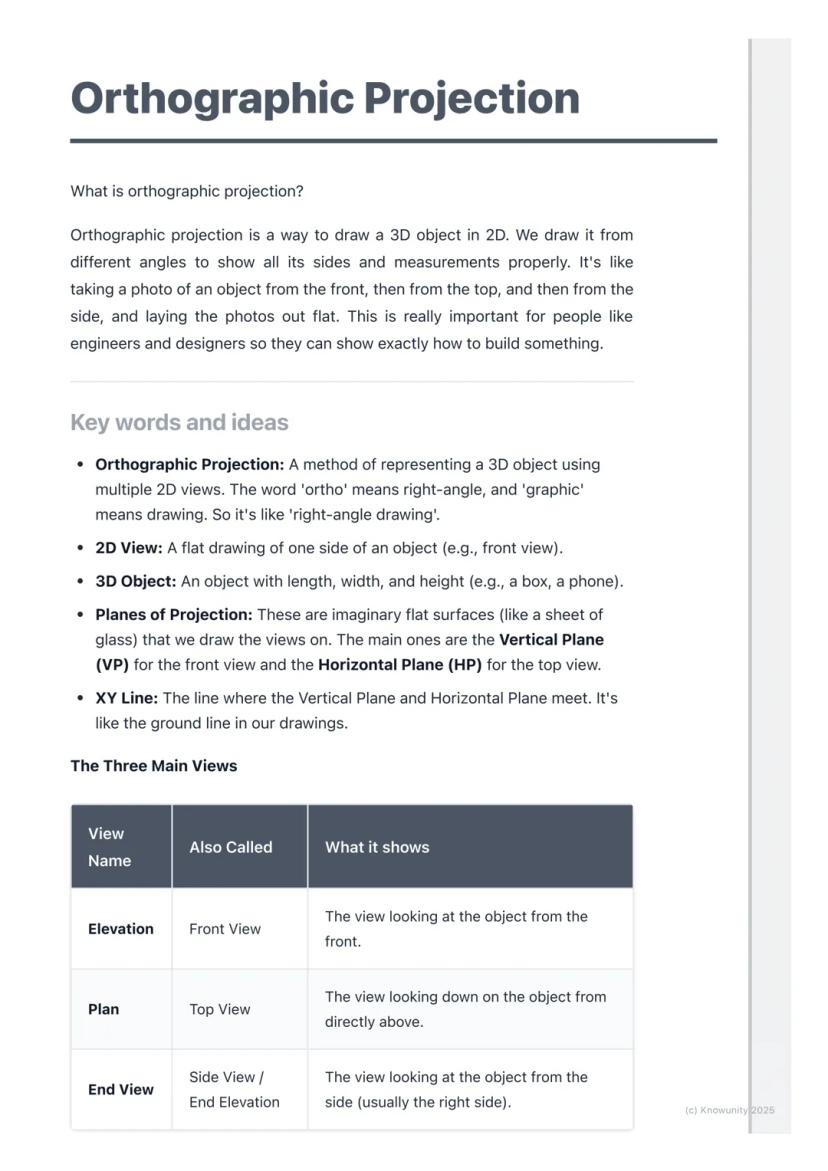
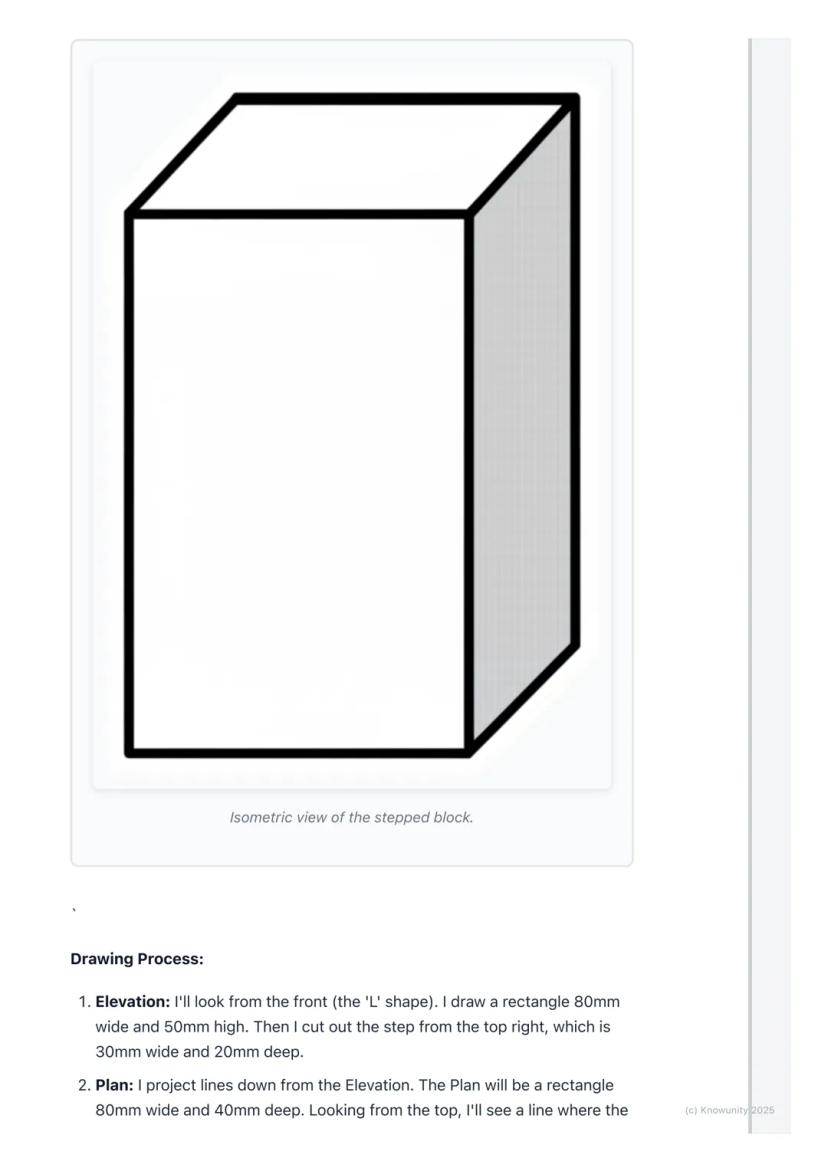
Think of orthographic projection as the ultimate way to describe any 3D object using flat drawings. Instead of trying to squeeze everything into one confusing sketch, you create three separate views that work together like a team.
The word 'ortho' means right-angle, so you're basically creating 'right-angle drawings' that show exactly what someone would see looking straight at an object from different directions. Engineers, designers, and architects use this method because it shows precise measurements and details that would be impossible to see in just one view.
You'll work with planes of projection - imagine invisible sheets of glass where you project your views. The Vertical Plane (VP) holds your front view, whilst the Horizontal Plane (HP) holds your top view, and they meet at the crucial XY line.
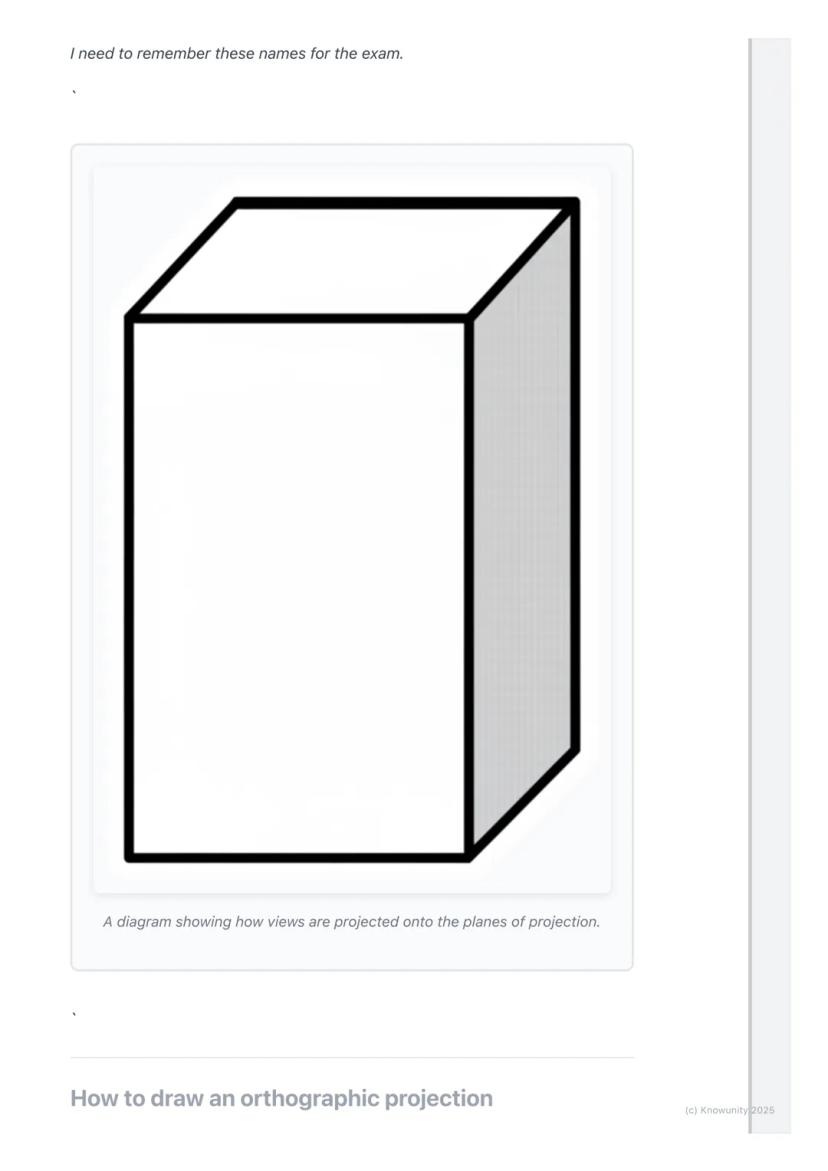
Remember: The three main views are Elevation (front view), Plan (top view), and End View (side view) - these names will definitely appear on your exam!
2
of 10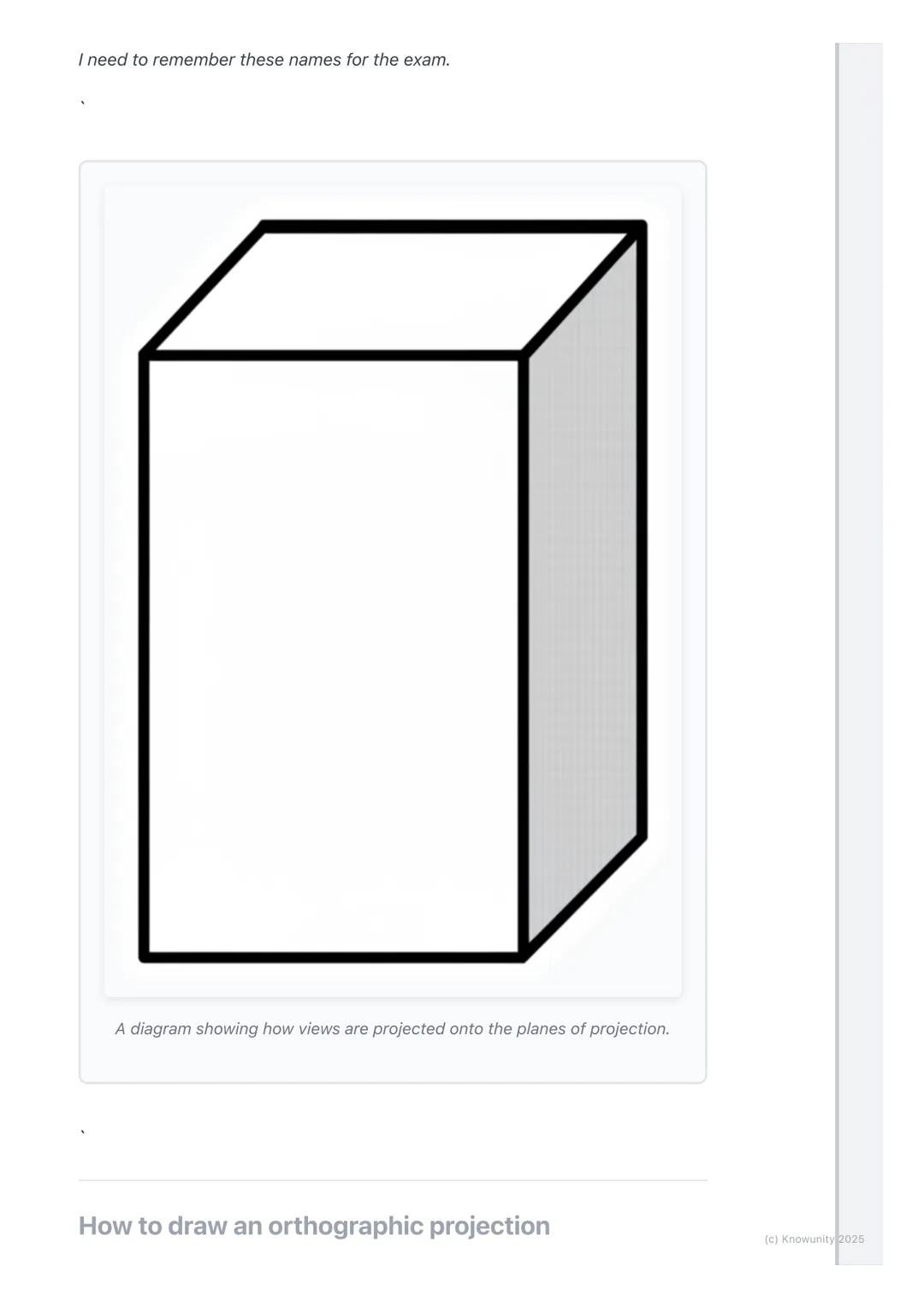
Setting Up Your Drawing
Before you start drawing anything exciting, you need to set up your page properly - this step determines whether your entire drawing will be accurate or a complete mess.
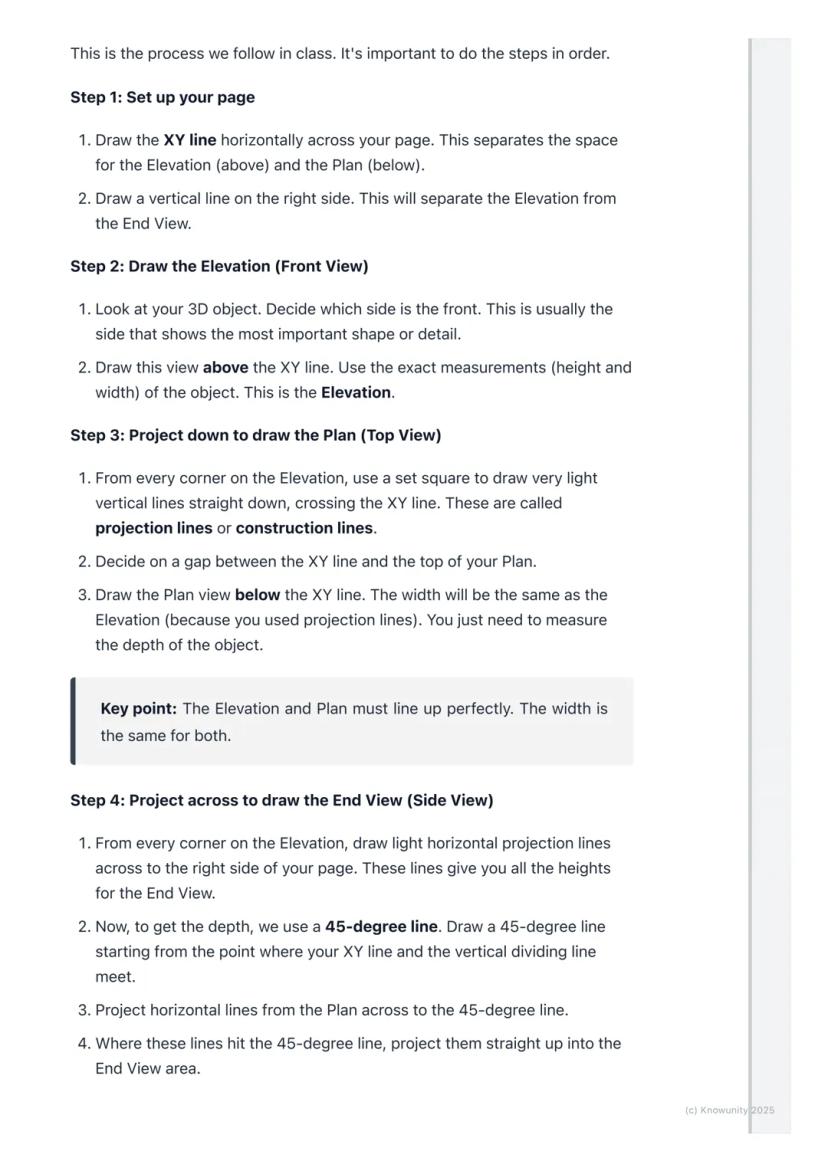
Draw the XY line horizontally across your page first. This acts like a border between your Elevation (which goes above) and your Plan (which goes below). Then add a vertical line on the right side to separate your Elevation from your End View.
Always start with the Elevation because it's your anchor point for everything else. Choose the side of your object that shows the most interesting shape or important details - this becomes your front view.
Top Tip: Getting your setup right saves you loads of time later and prevents those frustrating alignment mistakes that cost marks!
3
of 10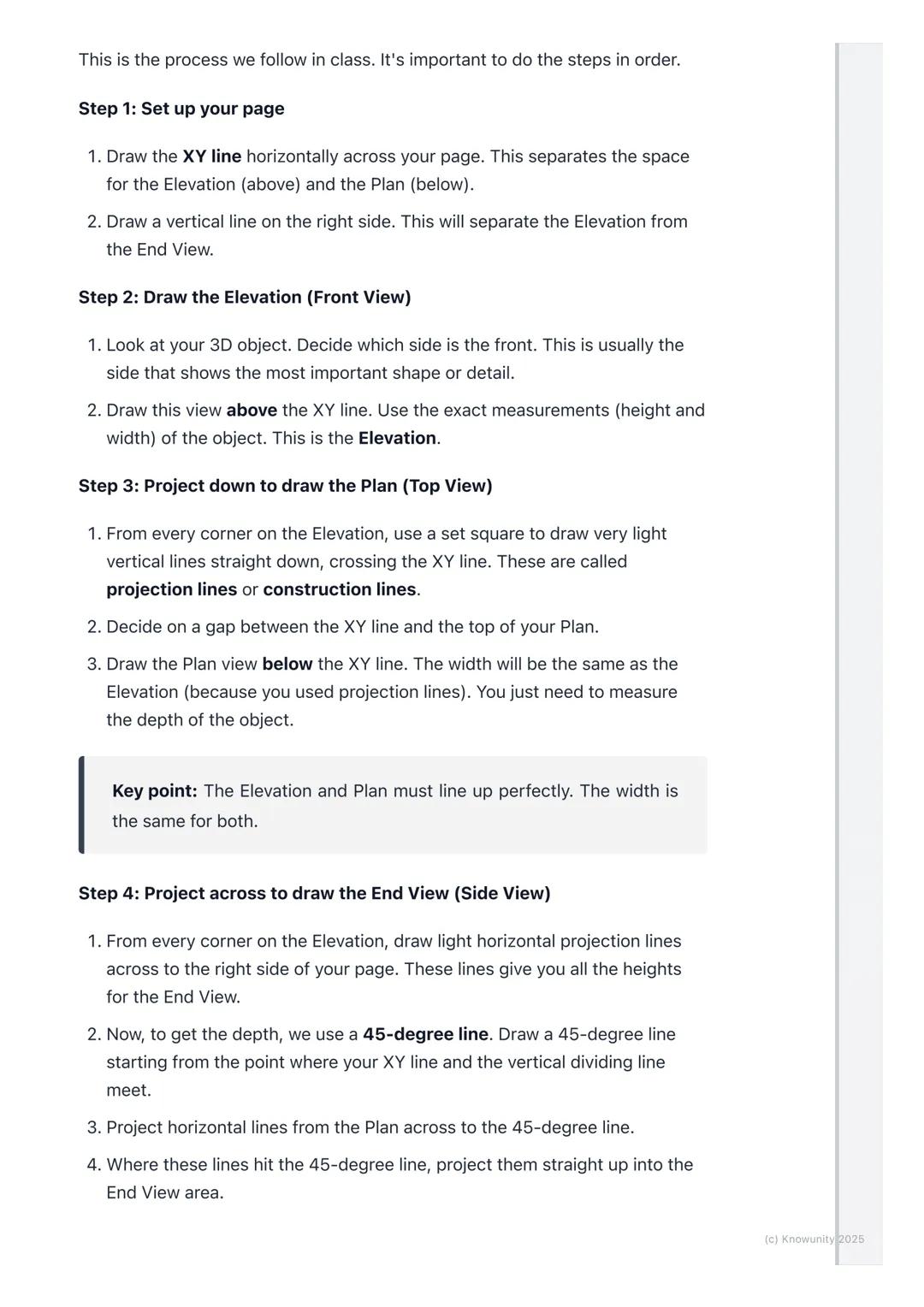
Drawing the Three Views
Here's where the magic happens - you'll use projection lines to connect all three views perfectly. These light construction lines ensure everything lines up exactly as it should.
After drawing your Elevation above the XY line, project light vertical lines straight down from every corner. These lines guide where you draw your Plan view below the XY line. The width stays the same, but you'll need to measure the object's depth yourself.
For the End View, you project horizontal lines across from your Elevation to get the heights right. Then comes the clever bit - use a 45-degree line starting where your XY line meets the vertical divider. Project lines from your Plan to this 45-degree line, then straight up into your End View area.
Key Point: The Elevation and Plan must line up perfectly - their widths are identical, and the End View's height must match the Elevation exactly.
4
of 10
Finishing Your Drawing
Once you've got your basic shapes sketched out using those light projection lines, it's time to make your drawing look professional and exam-ready.
Go over the main outlines of your object in each view with darker, heavier lines - these are called object lines and they represent the actual edges you can see. Keep your projection lines light because they show your working method.
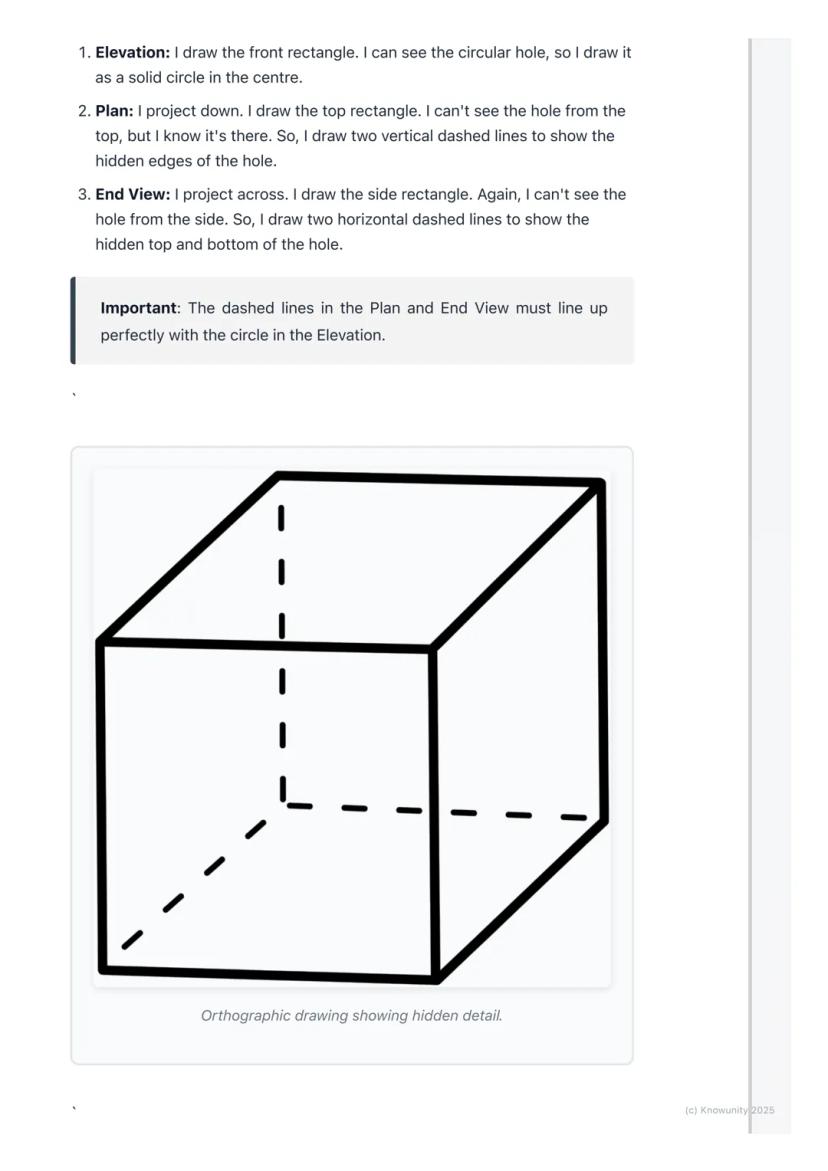
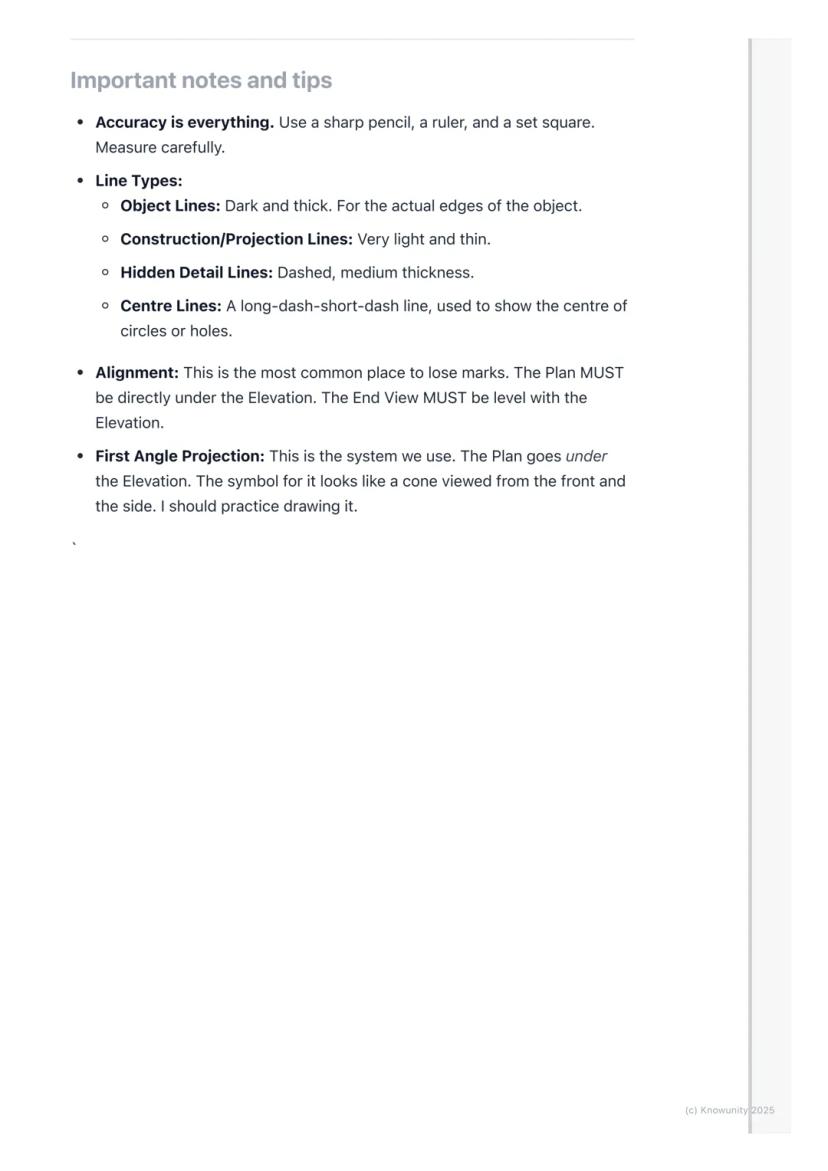
When parts of your object are hidden from view, you must show them using dashed lines. For example, if there's a hole going through a block, you'll see the circular opening in one view but need dashed lines in the other views to show where that hole exists.
Exam Success: Always add clear labels (ELEVATION, PLAN, END VIEW) and dimensions to your drawing - these simple additions can earn you extra marks!
5
of 10
Working with Hidden Details
Real objects aren't just simple blocks - they have holes, cuts, and internal features that make orthographic projection both challenging and essential for clear communication.
Hidden detail appears as dashed lines in your drawings. If you're looking at a block with a hole drilled through it, you'll see the circular opening clearly in your front view, but the top and side views need dashed lines to show where that hole exists even though you can't see it directly.
The key is thinking logically about what each view would actually show. From above, a hole might appear as two parallel dashed lines showing its width. From the side, you'd see different dashed lines showing its height.
Critical Rule: Your dashed lines must align perfectly with the solid features in other views - this alignment proves you understand how the 3D object actually works.
6
of 10
Line Types and Technical Standards
Professional orthographic projection uses different line types to communicate different information - mastering these will make your drawings look expert-level.
Object lines are dark and thick, showing the actual visible edges of your object. Construction lines (your projection lines) stay very light and thin. Hidden detail lines are medium-thickness dashed lines, whilst centre lines use a long-dash-short-dash pattern to show centres of circles or holes.
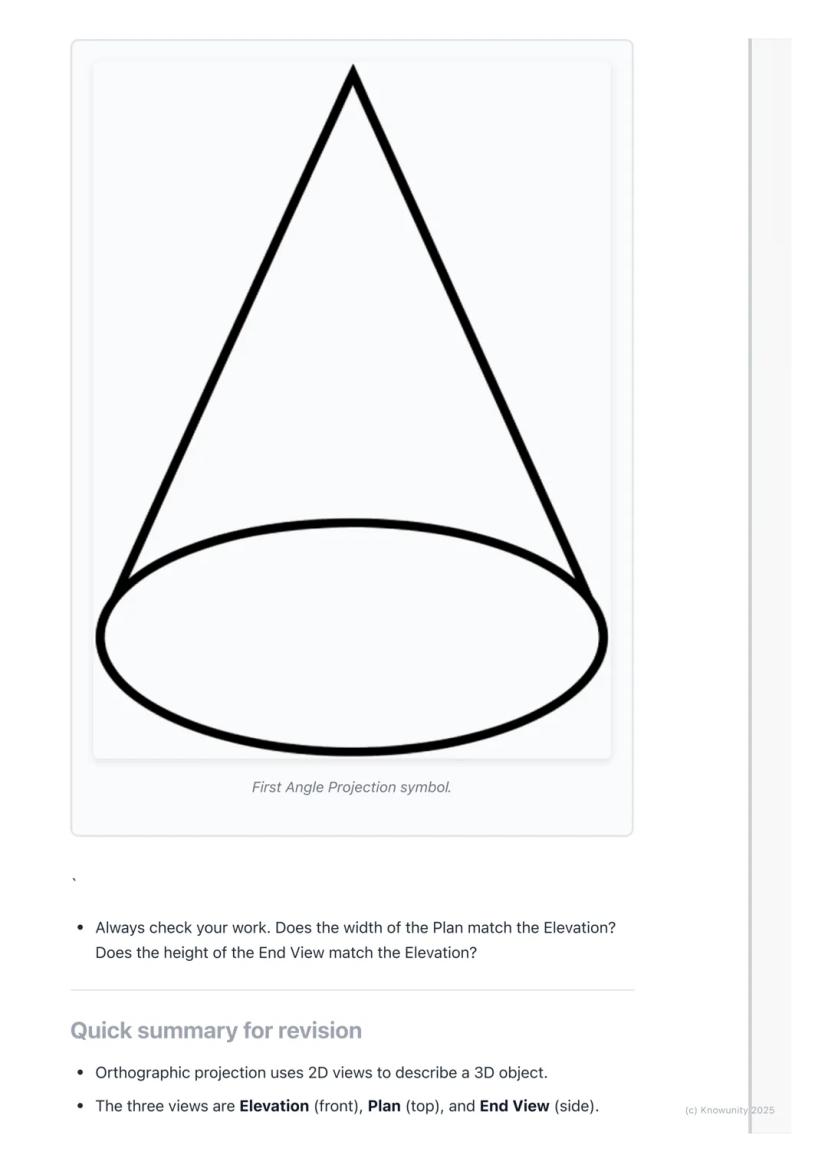
You'll be using First Angle Projection - this is the standard system where your Plan sits directly under your Elevation, and your End View aligns with the Elevation's height. There's even a special symbol for this system that looks like a cone from two angles.
Accuracy Tip: Use sharp pencils, rulers, and set squares religiously - orthographic projection rewards precision and punishes sloppy measuring!
7
of 10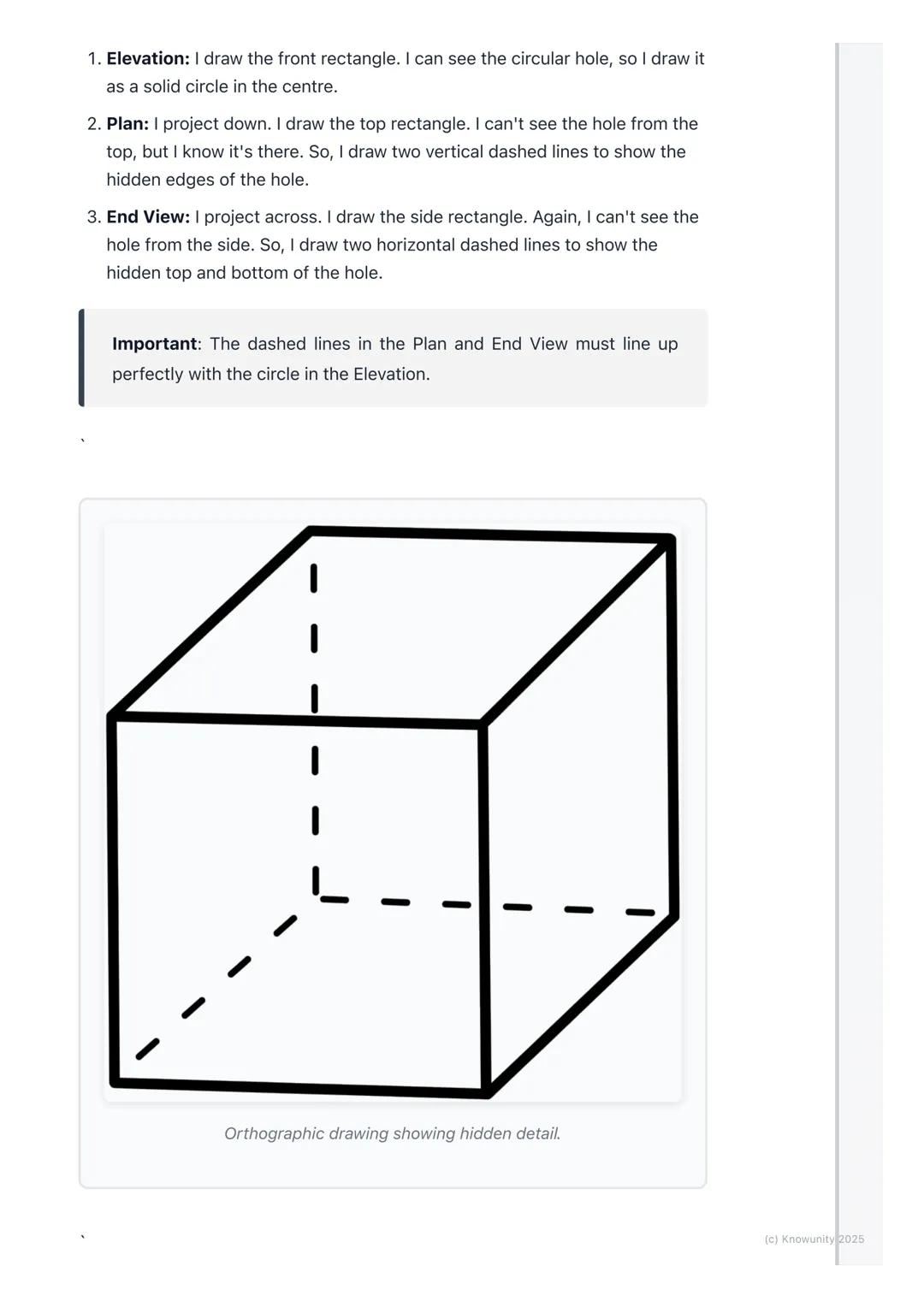
Quick Revision Summary
Orthographic projection transforms any 3D object into three perfectly aligned 2D views that show every detail and measurement clearly.
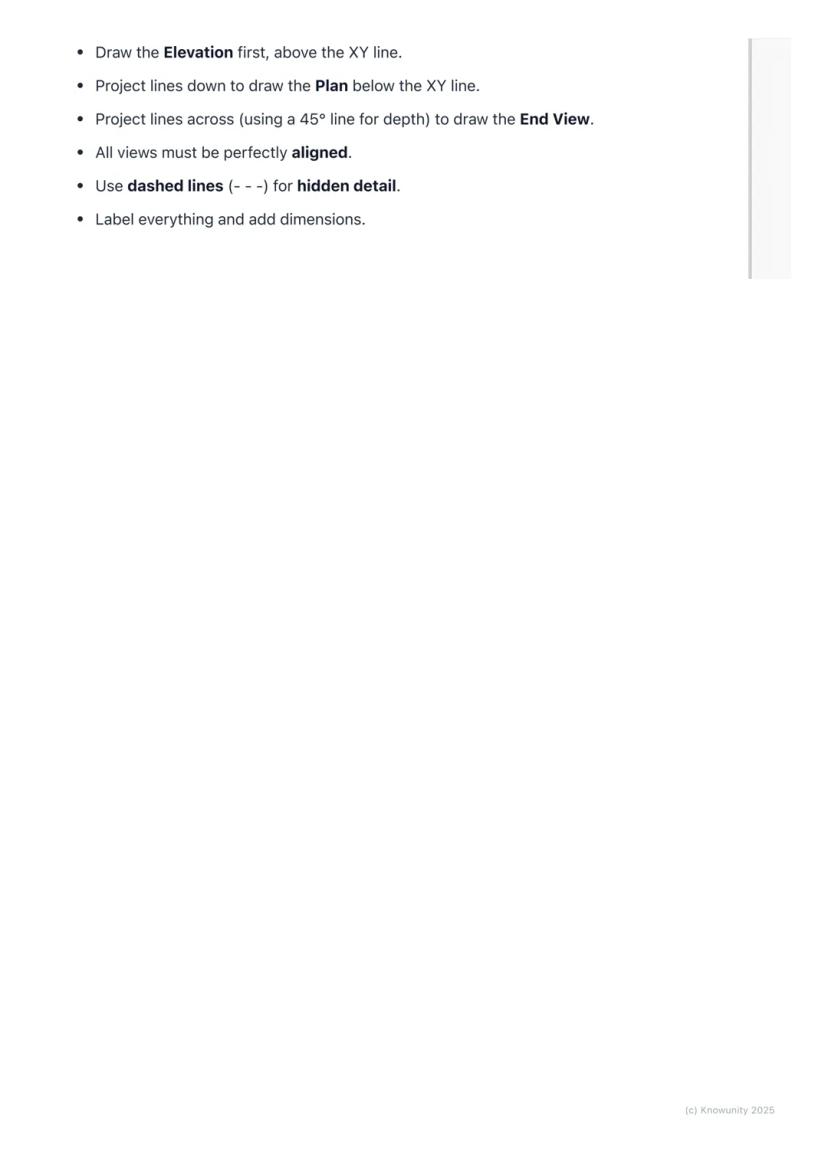
Your process never changes: draw the Elevation first above the XY line, project down to create the Plan below, then project across using that 45-degree line trick to build your End View. Everything must align perfectly - widths matching between Elevation and Plan, heights matching between Elevation and End View.
Use dashed lines for hidden details, keep your construction lines light, and make your object lines bold and clear. Label everything properly and add dimensions to show you understand the measurements.
Final Check: Before submitting any orthographic drawing, verify that all your views align correctly - this single check prevents most common mistakes and ensures your hard work pays off!
8
of 10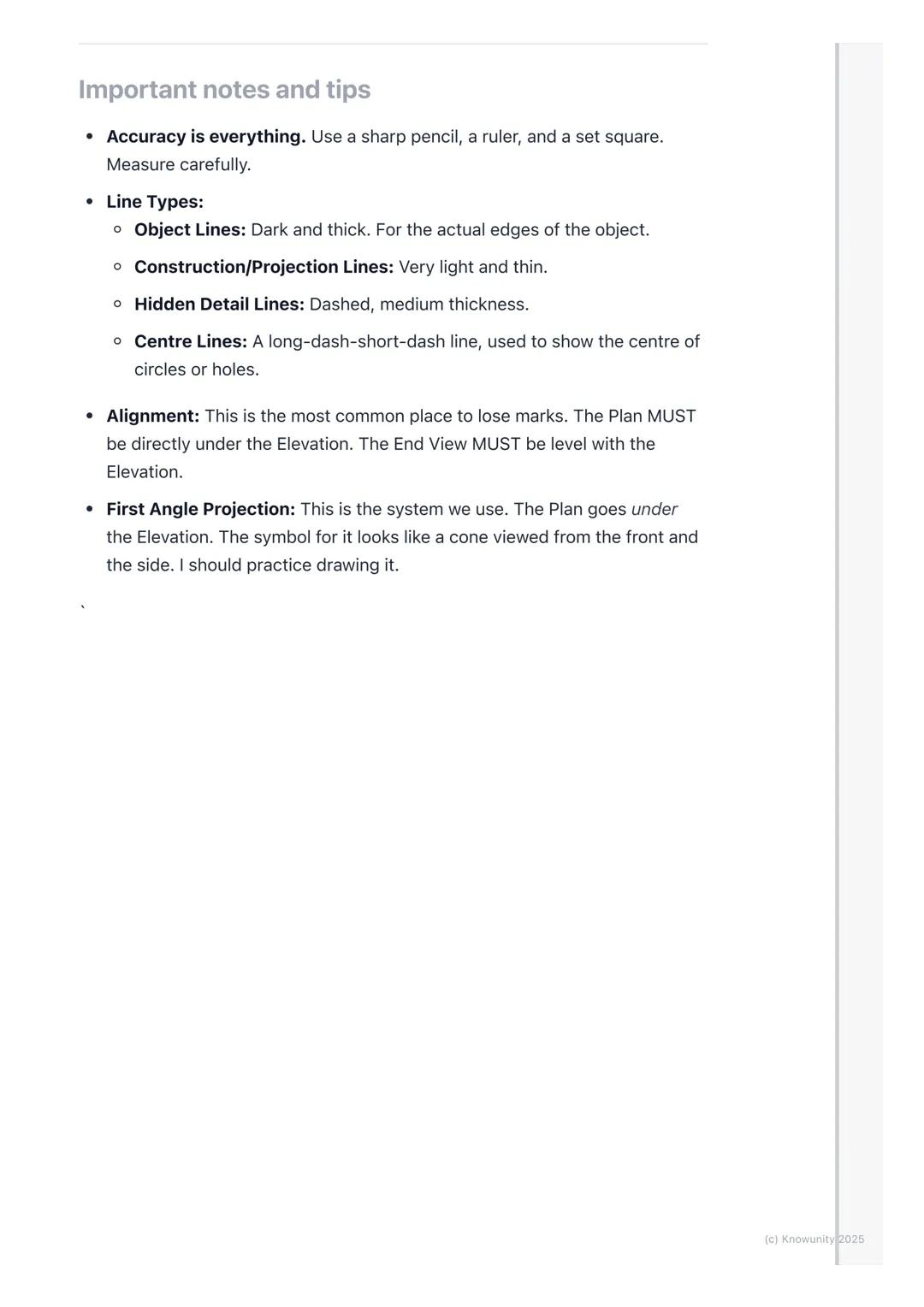
9
of 10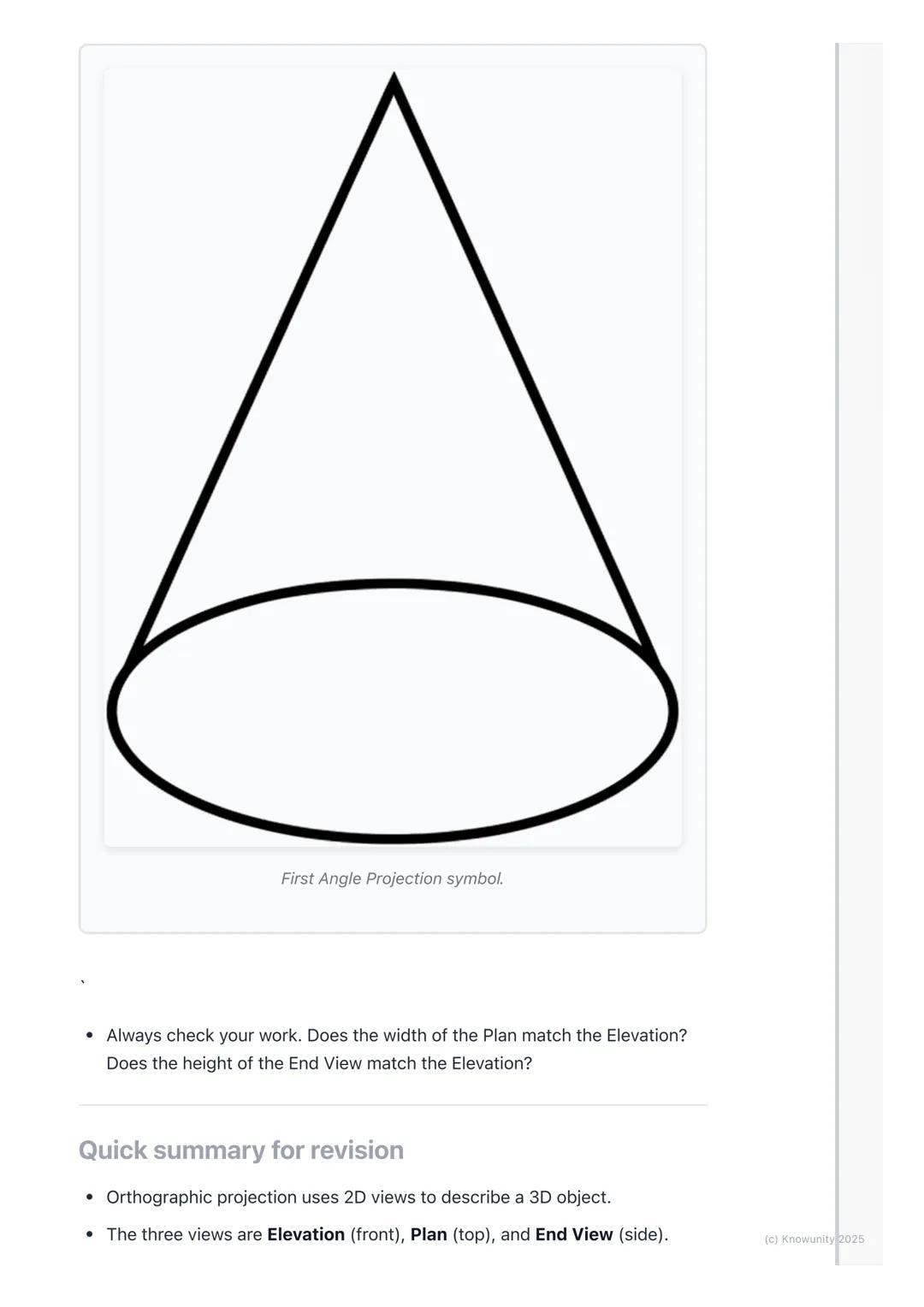
10
of 10
Hiç sormayacaksın sanmıştık...
Knowunity yapay zeka arkadaşı nedir?
Yapay zeka arkadaşımız öğrencilerin ihtiyaçlarına göre özel olarak tasarlanmıştır. Platformda bulunan milyonlarca içeriğe dayanarak öğrencilere gerçekten anlamlı ve ilgili yanıtlar verebiliyoruz. Ancak mesele sadece cevaplar değil, refakatçi aynı zamanda kişiselleştirilmiş öğrenme planları, sınavlar veya sohbet içerikleri ve öğrencilerin becerilerine ve gelişimlerine dayalı %100 kişiselleştirme ile öğrencilere günlük öğrenme zorluklarında rehberlik ediyor.
Knowunity uygulamasını nereden indirebilirim?
Uygulamayı Google Play Store ve Apple App Store'dan indirebilirsiniz.
Knowunity ücretsiz mi?
Knowunity uygulaması ücretsiz! Uygulamamız çok yakında indirmeye hazır olacak, bekle bizi. 💙
En popüler içerikler
9 Irish
IrishIrish oral questions and answers
Questions and answers for the leaving cert oral
5th Year4264
 English
Key Quotes : Sive
Key Quotes and explanations: Sive
6th Year2842
IrishIrish oral questions
Outline of oral questions
5th Year2055
IrishIníon- le hÁine Durkin
Aine Durkin’s poem, Iníon: Themes & summary
5th Year850
IrishIrish poetry 2027
Iníon + Dínit an Bhróin
5th Year1133
IrishLC HL notes- Iníon (poem)
Includes poem in English and Irish, theme, key words & phrases
5th Year2284
EnglishCultural Context : Shawshank Redemption : Sive : Small Things Like These
Comparative Study : Cultural Context : Shawshank Redemption, Sive and Small Things Like These
6th Year1430
IrishMo Ghrá-sa (Idir Lúibíní)
Notes on mo ghrá-sa
5th Year380
IrishAn Gaeilge Aiste
Irish Language essay
6th Year1320
Aradığını bulamıyor musun? Diğer derslere göz at.
Kullanıcılarımızdan yorumlar. Onlar her şeyi çok beğendi — sen de beğeneceksin.
4.6/5App Store
4.7/5Google Play
Uygulama çok kolay kullanılıyor ve güzel tasarlanmış. Şu ana kadar aradığım her şeyi buldum ve sunumlardan çok şey öğrendim! Kesinlikle ödevlerim için hep kullanacağım!
A.S.iOS kullanıcısı
Uygulama çok iyi. Çok fazla ders notu ve yardımlaşma var. Örneğin benim problem yaşadığım bir ders Geometriydi ve ANINDA yardım ettiler beraber hem sorularımı çözdük hem konu anlatımı buldum. Herkese tavsiye ederim.
S.L.Android kullanıcısı
BEN ŞOK. Reklamını sık sık gördüğüm için uygulamayı denedim ve gerçekten hayran kaldım. Bu uygulama okul için tam ihtiyacım olan şey. Anında ödev yardımı, konu anlatımı, örnek sınavlar, flaşkartlar hepsi hepsi var, şiddetle tavsiye ederim ✅
A.iOS kullanıcısı
Applied Technology8 görüntüleme·Güncellendi Jun 12, 2026·10 sayfaMaster Orthographic Projections: Learn 2D Views of 3D Objects
Ever wondered how engineers and architects draw complex 3D objects on flat paper? Orthographic projection is their secret weapon - it's like taking photos of an object from three different angles and laying them out perfectly to show every detail...
1
of 10
Ders notlarını görmek için kaydol. Ücretsiz!
- Tüm belgeleri görebilirsin
- Notlarını Yükselt
- Milyonlarca öğrenciye katıl
What is Orthographic Projection?
Think of orthographic projection as the ultimate way to describe any 3D object using flat drawings. Instead of trying to squeeze everything into one confusing sketch, you create three separate views that work together like a team.
The word 'ortho' means right-angle, so you're basically creating 'right-angle drawings' that show exactly what someone would see looking straight at an object from different directions. Engineers, designers, and architects use this method because it shows precise measurements and details that would be impossible to see in just one view.
You'll work with planes of projection - imagine invisible sheets of glass where you project your views. The Vertical Plane (VP) holds your front view, whilst the Horizontal Plane (HP) holds your top view, and they meet at the crucial XY line.
Remember: The three main views are Elevation (front view), Plan (top view), and End View (side view) - these names will definitely appear on your exam!
2
of 10Ders notlarını görmek için kaydol. Ücretsiz!
- Tüm belgeleri görebilirsin
- Notlarını Yükselt
- Milyonlarca öğrenciye katıl
Setting Up Your Drawing
Before you start drawing anything exciting, you need to set up your page properly - this step determines whether your entire drawing will be accurate or a complete mess.
Draw the XY line horizontally across your page first. This acts like a border between your Elevation (which goes above) and your Plan (which goes below). Then add a vertical line on the right side to separate your Elevation from your End View.
Always start with the Elevation because it's your anchor point for everything else. Choose the side of your object that shows the most interesting shape or important details - this becomes your front view.
Top Tip: Getting your setup right saves you loads of time later and prevents those frustrating alignment mistakes that cost marks!
3
of 10Ders notlarını görmek için kaydol. Ücretsiz!
- Tüm belgeleri görebilirsin
- Notlarını Yükselt
- Milyonlarca öğrenciye katıl
Drawing the Three Views
Here's where the magic happens - you'll use projection lines to connect all three views perfectly. These light construction lines ensure everything lines up exactly as it should.
After drawing your Elevation above the XY line, project light vertical lines straight down from every corner. These lines guide where you draw your Plan view below the XY line. The width stays the same, but you'll need to measure the object's depth yourself.
For the End View, you project horizontal lines across from your Elevation to get the heights right. Then comes the clever bit - use a 45-degree line starting where your XY line meets the vertical divider. Project lines from your Plan to this 45-degree line, then straight up into your End View area.
Key Point: The Elevation and Plan must line up perfectly - their widths are identical, and the End View's height must match the Elevation exactly.
4
of 10Ders notlarını görmek için kaydol. Ücretsiz!
- Tüm belgeleri görebilirsin
- Notlarını Yükselt
- Milyonlarca öğrenciye katıl
Finishing Your Drawing
Once you've got your basic shapes sketched out using those light projection lines, it's time to make your drawing look professional and exam-ready.
Go over the main outlines of your object in each view with darker, heavier lines - these are called object lines and they represent the actual edges you can see. Keep your projection lines light because they show your working method.
When parts of your object are hidden from view, you must show them using dashed lines. For example, if there's a hole going through a block, you'll see the circular opening in one view but need dashed lines in the other views to show where that hole exists.
Exam Success: Always add clear labels (ELEVATION, PLAN, END VIEW) and dimensions to your drawing - these simple additions can earn you extra marks!
5
of 10Ders notlarını görmek için kaydol. Ücretsiz!
- Tüm belgeleri görebilirsin
- Notlarını Yükselt
- Milyonlarca öğrenciye katıl
Working with Hidden Details
Real objects aren't just simple blocks - they have holes, cuts, and internal features that make orthographic projection both challenging and essential for clear communication.
Hidden detail appears as dashed lines in your drawings. If you're looking at a block with a hole drilled through it, you'll see the circular opening clearly in your front view, but the top and side views need dashed lines to show where that hole exists even though you can't see it directly.
The key is thinking logically about what each view would actually show. From above, a hole might appear as two parallel dashed lines showing its width. From the side, you'd see different dashed lines showing its height.
Critical Rule: Your dashed lines must align perfectly with the solid features in other views - this alignment proves you understand how the 3D object actually works.
6
of 10Ders notlarını görmek için kaydol. Ücretsiz!
- Tüm belgeleri görebilirsin
- Notlarını Yükselt
- Milyonlarca öğrenciye katıl
Line Types and Technical Standards
Professional orthographic projection uses different line types to communicate different information - mastering these will make your drawings look expert-level.
Object lines are dark and thick, showing the actual visible edges of your object. Construction lines (your projection lines) stay very light and thin. Hidden detail lines are medium-thickness dashed lines, whilst centre lines use a long-dash-short-dash pattern to show centres of circles or holes.
You'll be using First Angle Projection - this is the standard system where your Plan sits directly under your Elevation, and your End View aligns with the Elevation's height. There's even a special symbol for this system that looks like a cone from two angles.
Accuracy Tip: Use sharp pencils, rulers, and set squares religiously - orthographic projection rewards precision and punishes sloppy measuring!
7
of 10Ders notlarını görmek için kaydol. Ücretsiz!
- Tüm belgeleri görebilirsin
- Notlarını Yükselt
- Milyonlarca öğrenciye katıl
Quick Revision Summary
Orthographic projection transforms any 3D object into three perfectly aligned 2D views that show every detail and measurement clearly.
Your process never changes: draw the Elevation first above the XY line, project down to create the Plan below, then project across using that 45-degree line trick to build your End View. Everything must align perfectly - widths matching between Elevation and Plan, heights matching between Elevation and End View.
Use dashed lines for hidden details, keep your construction lines light, and make your object lines bold and clear. Label everything properly and add dimensions to show you understand the measurements.
Final Check: Before submitting any orthographic drawing, verify that all your views align correctly - this single check prevents most common mistakes and ensures your hard work pays off!
8
of 10Ders notlarını görmek için kaydol. Ücretsiz!
- Tüm belgeleri görebilirsin
- Notlarını Yükselt
- Milyonlarca öğrenciye katıl
9
of 10Ders notlarını görmek için kaydol. Ücretsiz!
- Tüm belgeleri görebilirsin
- Notlarını Yükselt
- Milyonlarca öğrenciye katıl
10
of 10Ders notlarını görmek için kaydol. Ücretsiz!
- Tüm belgeleri görebilirsin
- Notlarını Yükselt
- Milyonlarca öğrenciye katıl
Hiç sormayacaksın sanmıştık...
Knowunity yapay zeka arkadaşı nedir?
Yapay zeka arkadaşımız öğrencilerin ihtiyaçlarına göre özel olarak tasarlanmıştır. Platformda bulunan milyonlarca içeriğe dayanarak öğrencilere gerçekten anlamlı ve ilgili yanıtlar verebiliyoruz. Ancak mesele sadece cevaplar değil, refakatçi aynı zamanda kişiselleştirilmiş öğrenme planları, sınavlar veya sohbet içerikleri ve öğrencilerin becerilerine ve gelişimlerine dayalı %100 kişiselleştirme ile öğrencilere günlük öğrenme zorluklarında rehberlik ediyor.
Knowunity uygulamasını nereden indirebilirim?
Uygulamayı Google Play Store ve Apple App Store'dan indirebilirsiniz.
Knowunity ücretsiz mi?
Knowunity uygulaması ücretsiz! Uygulamamız çok yakında indirmeye hazır olacak, bekle bizi. 💙
En popüler içerikler
9IrishIrish oral questions and answers
Questions and answers for the leaving cert oral
5th Year4264
EnglishKey Quotes : Sive
Key Quotes and explanations: Sive
6th Year2842
IrishIrish oral questions
Outline of oral questions
5th Year2055
IrishIníon- le hÁine Durkin
Aine Durkin’s poem, Iníon: Themes & summary
5th Year850
IrishIrish poetry 2027
Iníon + Dínit an Bhróin
5th Year1133
IrishLC HL notes- Iníon (poem)
Includes poem in English and Irish, theme, key words & phrases
5th Year2284
EnglishCultural Context : Shawshank Redemption : Sive : Small Things Like These
Comparative Study : Cultural Context : Shawshank Redemption, Sive and Small Things Like These
6th Year1430
IrishMo Ghrá-sa (Idir Lúibíní)
Notes on mo ghrá-sa
5th Year380
IrishAn Gaeilge Aiste
Irish Language essay
6th Year1320
Aradığını bulamıyor musun? Diğer derslere göz at.
Kullanıcılarımızdan yorumlar. Onlar her şeyi çok beğendi — sen de beğeneceksin.
4.6/5App Store
4.7/5Google Play
Uygulama çok kolay kullanılıyor ve güzel tasarlanmış. Şu ana kadar aradığım her şeyi buldum ve sunumlardan çok şey öğrendim! Kesinlikle ödevlerim için hep kullanacağım!
A.S.iOS kullanıcısı
Uygulama çok iyi. Çok fazla ders notu ve yardımlaşma var. Örneğin benim problem yaşadığım bir ders Geometriydi ve ANINDA yardım ettiler beraber hem sorularımı çözdük hem konu anlatımı buldum. Herkese tavsiye ederim.
S.L.Android kullanıcısı
BEN ŞOK. Reklamını sık sık gördüğüm için uygulamayı denedim ve gerçekten hayran kaldım. Bu uygulama okul için tam ihtiyacım olan şey. Anında ödev yardımı, konu anlatımı, örnek sınavlar, flaşkartlar hepsi hepsi var, şiddetle tavsiye ederim ✅
A.iOS kullanıcısı